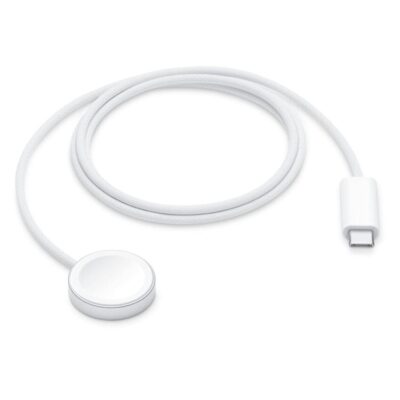
Durable, woven cable with fast-charging capabilities for select Apple Watch models.¹ Simply hold the connector near the back of the watch, where magnets cause it to snap into place automatically.
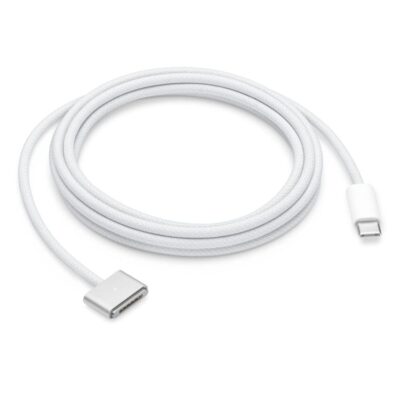
This 2-meter charge cable features a magnetic MagSafe 3 connector that helps guide the plug to the charging port of your Mac notebook. Pair it with a compatible USB-C power adapter to conveniently charge your notebook from a wall outlet and take advantage of fast-charging capabilities. The magnetic connection is strong enough to resist most unintended disconnects, but if someone trips on the cable, it releases so your Mac notebook stays put. An LED turns amber when the battery is charging and green when it’s fully charged. Made with a woven design for long-lasting durability.
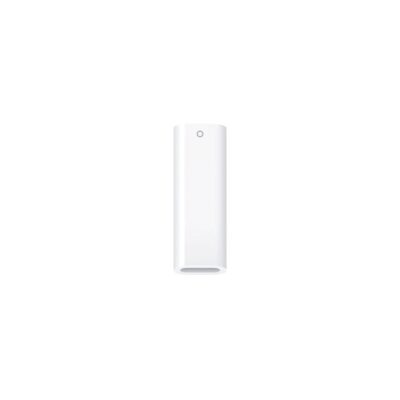
The USB-C to Apple Pencil Adapter is required to pair and charge Apple Pencil (1st generation) with iPad (10th generation). Your Apple Pencil plugs into one end of the adapter and the USB-C Charge Cable from your iPad plugs into the other.
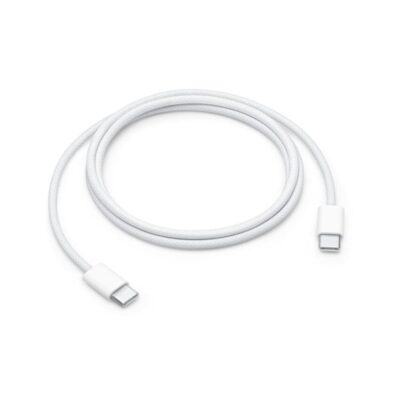
This 1-meter charge cable is made with a woven design — with USB-C connectors on both ends — and is ideal for charging, syncing, and transferring data between USB-C devices. It supports charging of up to 60 watts and transfers data at USB 2 rates. Pair the USB-C Charge Cable with a compatible USB-C power adapter to conveniently charge your devices from a wall outlet and take advantage of fast-charging capabilities. USB-C power adapters sold separately.
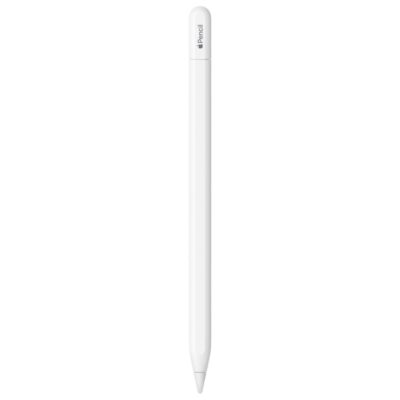
Apple Pencil (USB-C) is perfect for taking notes, sketching, marking up documents, journaling, and more. It delivers pixel‑perfect precision, low latency, and tilt sensitivity. So it’s as natural to use as a pencil.
Apple Pencil (USB-C) pairs and charges via a USB-C Charge Cable. It magnetically attaches to the side of iPad for storage.
Apple Pencil (USB-C) supports Apple Pencil hover when used with iPad Pro 13-inch (M4), iPad Pro 11-inch (M4), iPad Pro 12.9-inch (6th generation), iPad Pro 11-inch (4th generation), iPad Air 13-inch (M2), and iPad Air 11-inch (M2).
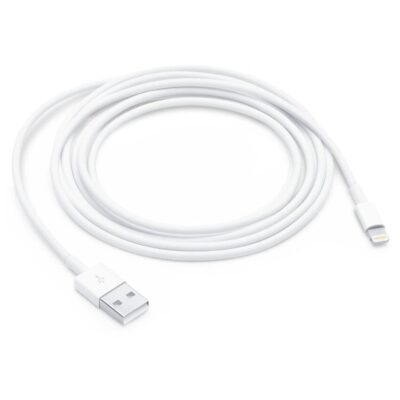
This USB 2 cable connects your device with Lightning connector to your computer’s USB port for syncing and charging. Or you can connect to the Apple USB Power Adapter for convenient charging from a wall outlet.*
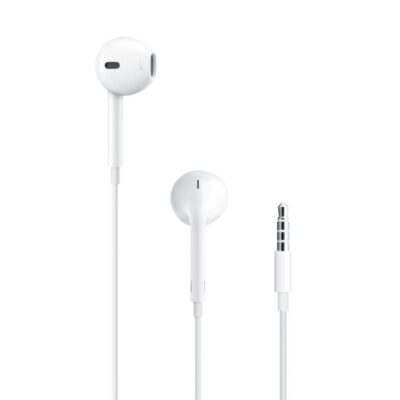
Unlike traditional, circular earbuds, the design of the EarPods is defined by the geometry of the ear. Which makes them more comfortable for more people than any other earbud-style headphones.
The speakers inside the EarPods have been engineered to maximize sound output which means you get high-quality audio.
The EarPods (3.5mm Headphone Plug) also include a built-in remote that lets you adjust the volume, control the playback of music and video, and answer or end calls with a press of the remote.
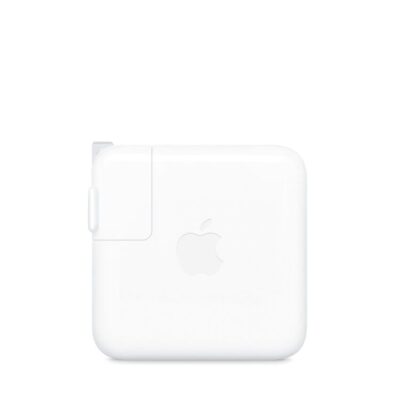
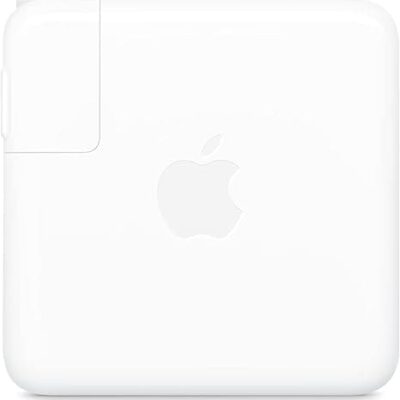
The 70W USB-C Power Adapter offers fast, efficient charging at home, in the office or on the go. It’s compatible with numerous USB-C devices and charging cables. Apple recommends pairing this power adapter with a 13-inch or 15-inch MacBook Air with M2 chip, a 13-inch MacBook Pro (2016 and later) or a 14-inch MacBook Pro. Use it with MacBook Air with M2 chip models to take advantage of fast charging, for up to a 50 percent charge in around 30 minutes.**
The 67W USB-C Power Adapter offers fast, efficient charging at home, in the office, or on the go.
It’s compatible with numerous USB-C devices and charging cables.
Apple recommends pairing this power adapter with your 13-inch MacBook Pro (2016 and later) or your 14-inch MacBook Pro with Apple M1 Pro chip 8-core CPU.
You can also use it with MacBook Air with M2 chip to take advantage of fast-charging, so you can go from 0 to 50 percent charge in around 30 minutes.
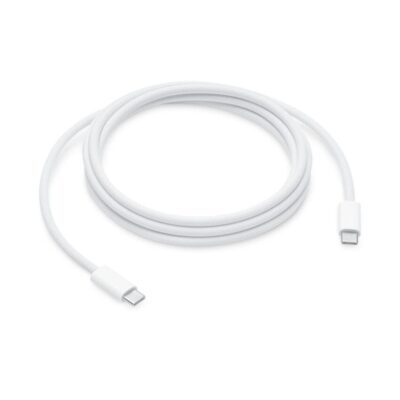
This 2-meter charge cable is made with a woven design — with USB-C connectors on both ends — and is ideal for charging, syncing, and transferring data between USB-C devices. It supports charging of up to 240 watts and transfers data at USB 2 rates. Pair the USB-C Charge Cable with a compatible USB-C power adapter to conveniently charge your devices from a wall outlet and take advantage of fast-charging capabilities. USB-C power adapters sold separately.
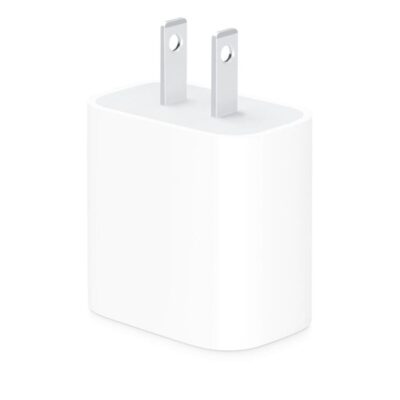
The Apple 20W USB‑C Power Adapter offers fast, efficient charging at home, in the office, or on the go. Pair it with iPhone 8 or later for fast charging — 50 percent battery in around 30 minutes.¹ Or pair it with the iPad Pro and iPad Air for optimal charging performance. Compatible with any USB-C enabled device.
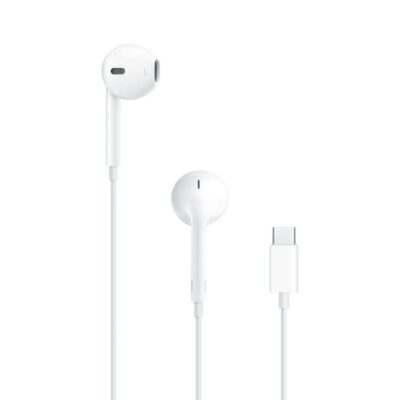
Unlike traditional, circular earbuds, the design of the EarPods is defined by the geometry of the ear. Which makes them more comfortable for more people than any other earbud-style headphones.
The speakers inside the EarPods have been engineered to maximise sound output, which means you get high-quality audio.
The EarPods (USB-C) also include a built-in remote that lets you adjust the volume, control the playback of music and video, and answer or end calls with a press of the remote.
Unlike traditional, circular earbuds, the design of the EarPods is defined by the geometry of the ear. Which makes them more comfortable for more people than any other earbud-style headphones.
The speakers inside the EarPods have been engineered to maximise sound output, which means you get high-quality audio.
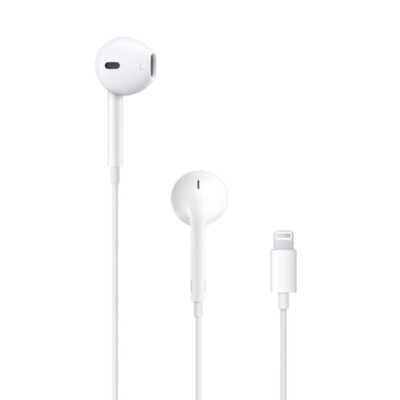
The EarPods (Lightning Connector) also include a built-in remote that lets you adjust the volume, control the playback of music and video, and answer or end calls with a press of the remote.
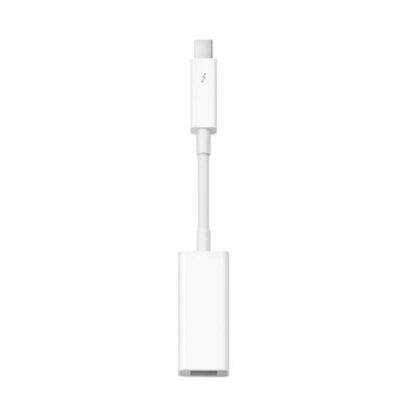
Easily connect your Thunderbolt-equipped Mac to a FireWire device with the Apple Thunderbolt to FireWire Adapter. Small and compact, it connects to the Thunderbolt port on your Mac computer, giving you a FireWire 800 port that supplies up to 7W for bus-powered peripherals like hard drives and audio devices.
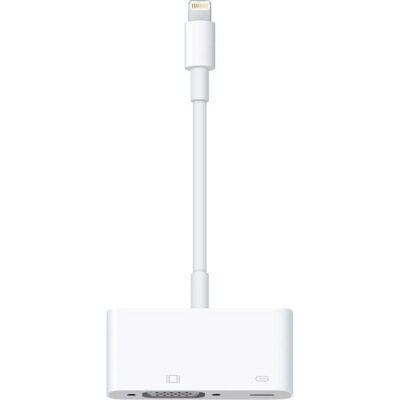
Use the Lightning to VGA Adapter with your iPhone, iPad, or iPod with Lightning connector. The Lightning to VGA Adapter supports mirroring of what is displayed on your device screen — including apps, presentations, websites, slideshows, and more — to your VGA-equipped TV, display, projector, or other compatible display in up to 1080p HD.
It also outputs video content — movies, TV shows, captured video — to your big screen in up to 1080p HD. Simply attach your Lightning to VGA Adapter to the Lightning connector on your device and then to your TV or projector via a VGA cable (sold separately).